
After Effects and GIFs are finally reunited!

Preview and Download
Demo view DownloadFast Download
Batch Render! (Render multiple compositions in 1 click) | Progressive Render (Increases render speeds dramatically)
Lots of cool
| |
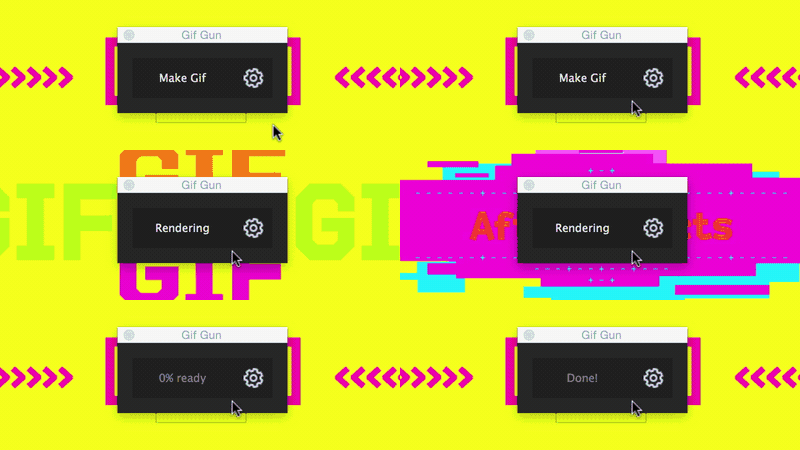 | The workflow is one-click
We made interface super-slick so it won't take much of your space.
|
Settings are easy
We believe a properly engineered tool needs no tutorial, so we will just list our features.
| |
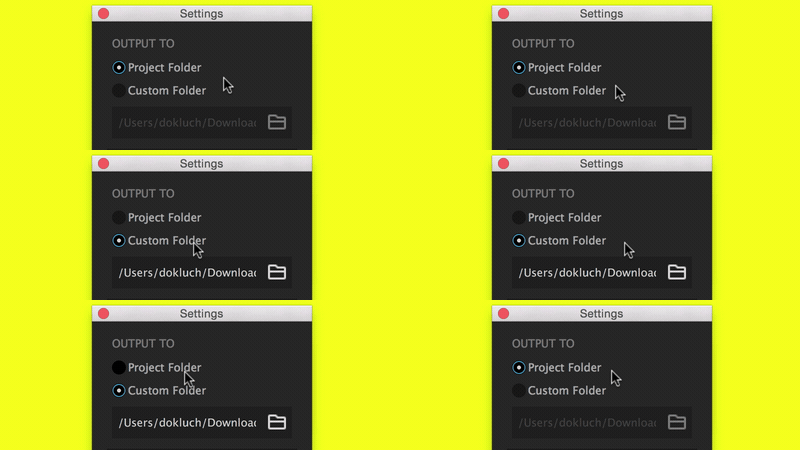 | Set default gif folder
Ideal for Dropbox or other cloud sync.
Or save into the Project folder
|
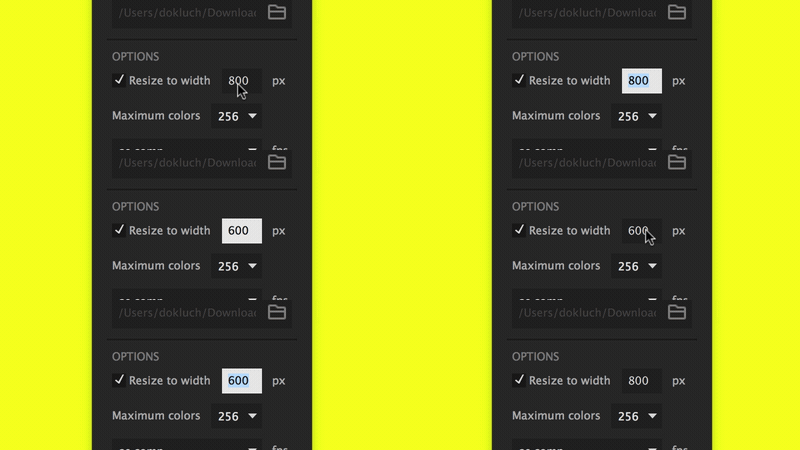 | Resize gif
Yes, we resize keeping width/height ratio
|
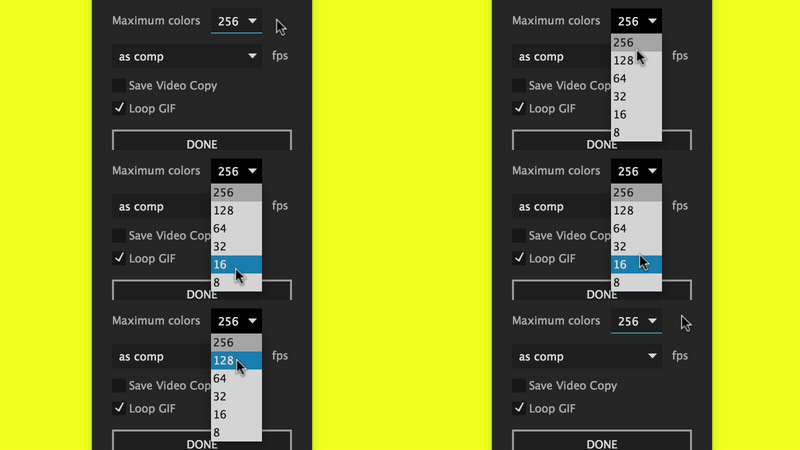 | Adjust color paletter
256/128 colors for best quality or 64/32 for weight. 8 for fun :-)
|
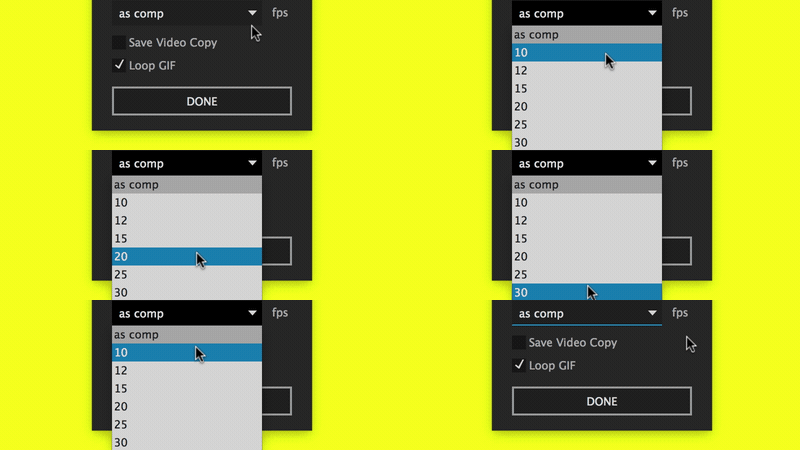 | Set framerate
"as comp" will use composition fps settings. Which is obvious.
|
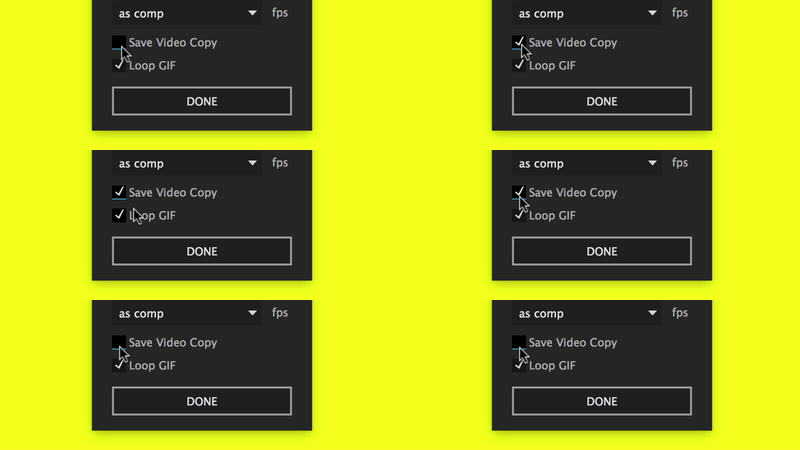 | Save rendered file
We remove the temporary file by default, but if you need it...
|
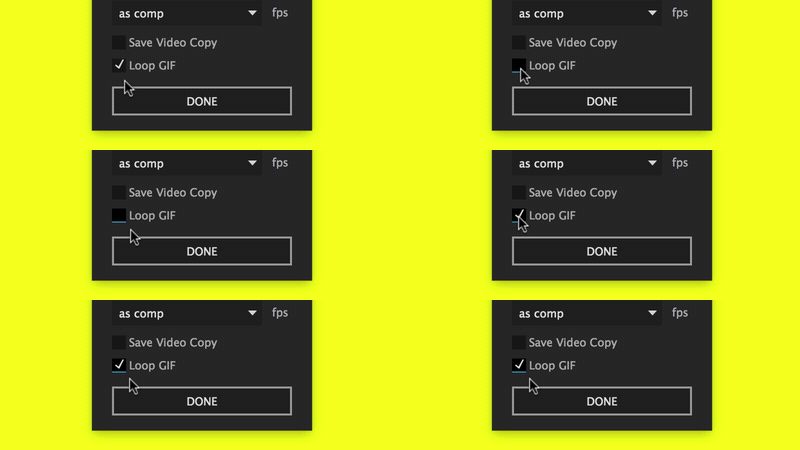 | Choose not to loop GIF
Yeah, some people really need unlooped GIFs
|
Yup, these gifs were rendered with GifGun.
IMPORTANT:
Please, check "Enable Javasciprt Debugger" checkbox in Preferences -
General. Somehow this checkbox solves most of the problems, we are still
investigating.
Good to know:
We are using optimized algorithms, so you are going to get a great image most of the time.
This also means that for movie clips you may get less than ideal results with v1.4. Try varying compression options.
GifGun
is made with motion graphics in mind, so we experimented with hundreds
of motion graphics shots, and optimized algorithms for them.
System Requirements
Windows 7 systems will require this update.
Windows 8 / 8.1 and 10 do not need this update.
MacOS 10.8 to 10.12 are supported.


Post a Comment